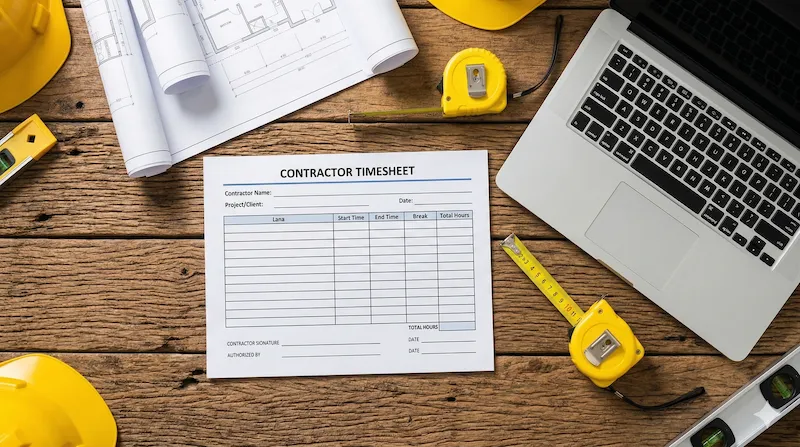
As an independent professional, ensuring you get paid accurately by a client or General Contractor (GC) is your top priority. Using a standardized contractor timesheet template guarantees that every hour worked and every supply purchased is officially recorded for your invoice. If you need to quickly sum up your weekly labor hours before submitting your sheet, use our free Weekly Work Hours Calculator on the homepage.

How independent contractors keep track of hours
Unlike standard employees, independent contractors often juggle multiple projects across different job sites simultaneously. A reliable tracking system isn't just about noting the time you clocked in; it's about associating that time with a specific billing code. A comprehensive contractor time tracking spreadsheet allows you to split your day by project phase, ensuring precise invoicing.
Crucial fields in a time and materials (T&M) timesheet
Many contractors work on a "Time & Materials" basis rather than a fixed bid. To prevent disputes over final invoices, your time and materials (T&M) timesheet must include the following critical fields:
- Project Name / Client ID: Clearly identifies who is being billed.
- Labor Description: Detailed notes of the physical work performed (e.g., "Rough-in plumbing" or "Drywall installation").
- Materials Used: A dedicated column to log supplies purchased out-of-pocket for reimbursement.
- Hourly Rate: Clearly stated next to the total hours to auto-calculate the final labor fee.
| Date | Project Site | Labor / Task Performed | Hours | Material Costs (£/$) |
|---|---|---|---|---|
| Sep 14 | Oak St. Renovation | Demolition & Cleanup | 6.5 | $45.00 (Debris bags) |
| Sep 15 | Oak St. Renovation | Framing repair | 4.0 | $120.00 (Lumber) |
| Weekly Totals: | 10.5 Hrs | $165.00 | ||
Comparing printable contractor time cards
Depending on whether you work alone or manage a small crew of subcontractors, you may prefer different methods for recording project progress. You can explore our full library of industry-specific formats at the Free Templates Hub.
| Template Format | Best Used For | Pros & Cons |
|---|---|---|
| Printable PDF | Individual contractors working in the field. | Great for tactile tracking, but requires manual calculation before invoicing clients. |
| Microsoft Excel | Contractors managing multiple subcontractors. | Auto-calculates exact invoice totals and separates labor from material costs instantly. |
| Google Sheets | Collaborative projects with General Contractors. | Easily share a "view-only" link directly with the GC as daily proof of work progress. |