Managing payroll and tracking job codes accurately is the hardest part of running a job site. Whether you are managing independent subcontractors or a full-time crew, a reliable construction timesheet template ensures you aren't bleeding labor costs. If you need to quickly check the math on a submitted sheet, you can always use our free Weekly Work Hours Calculator.

How a construction daily time card works
Unlike standard office workers, field workers often split their day across multiple job sites, perform different tasks (which may have different pay rates), and require tracking for materials. A proper construction daily time card allows foremen to track these variables accurately before processing payroll.
Crucial fields in a contractor time tracking spreadsheet
A generic template won't survive a day on a job site. If you are building your own contractor time tracking spreadsheet, ensure it includes the following columns to prevent billing disputes with clients or general contractors:
- Job Name / Site ID: Where the work was performed.
- Cost Code / Phase: E.g., Framing, Drywall, Demolition.
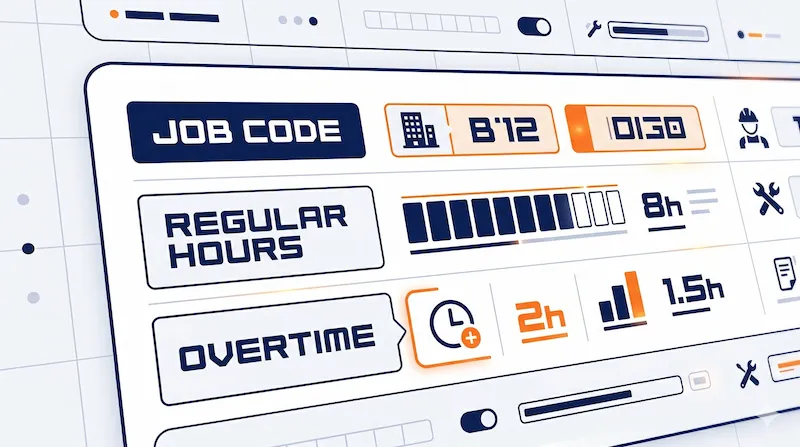
- Regular vs. Overtime Hours: Crucial for accurate payroll. (Use our Overtime Calculator to verify time-and-a-half).
- Supervisor Signature: Mandatory authorization to prevent time theft.
| Employee Name | Job Code / Site | Task Description | Time In | Time Out | Total Hrs |
|---|---|---|---|---|---|
| John Doe | Site A (102) | Framing | 07:00 AM | 11:30 AM | 4.5 |
| John Doe | Site B (105) | Drywall Prep | 12:30 PM | 04:00 PM | 3.5 |
| Daily Total: | 8.0 Hrs | ||||
Comparing timesheet formats for your crew
Depending on your company size and how tech-savvy your field workers are, you may prefer different formats for submitting hours. All versions are available to download from our Free Templates Hub.
| Template Format | Best Used For | Pros & Cons |
|---|---|---|
| Printable PDF | Job sites without internet access. | Easy to print and sign, but requires manual math. |
| Microsoft Excel | Foremen summarizing weekly totals in the office. | Auto-calculates totals and overtime automatically. |
| Google Sheets | Remote crews reporting from mobile phones. | Cloud-synced in real time, but requires a Google account. |